
Where:Settings→Working Hours
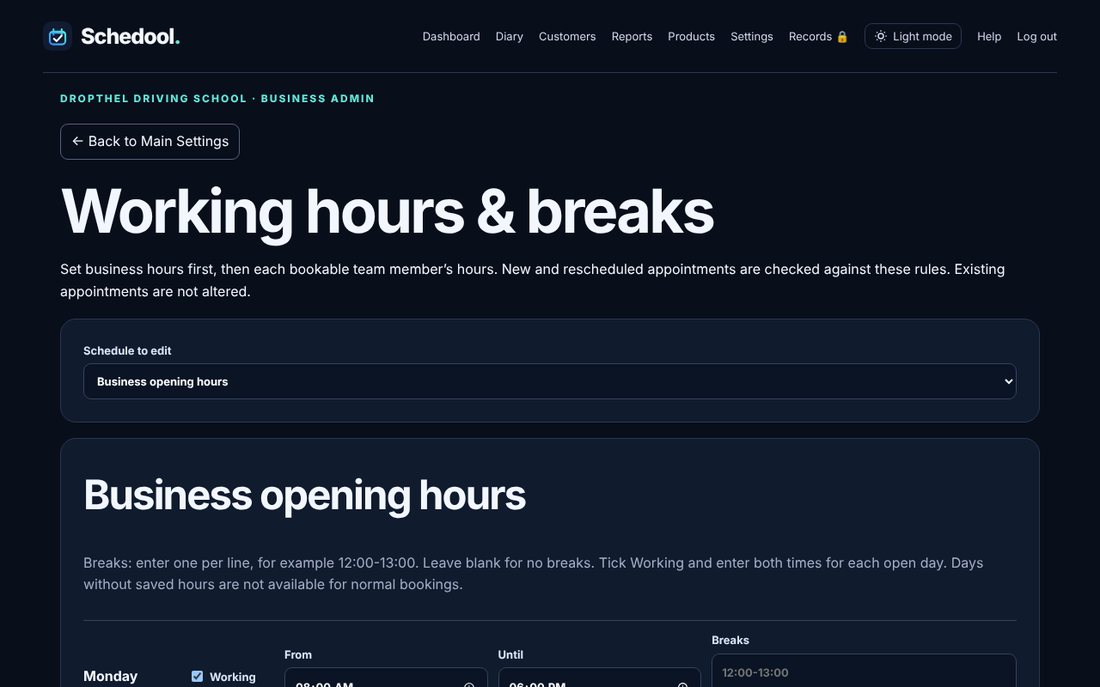
Step by step
- Go to Settings → Working Hours.
- Under “Schedule to edit” choose the business or a team member.
- Tick the days you work, set start and end times, add regular breaks, and save.
- For holidays, use Days off & holidays: choose the first and last day and click Add holiday date range.
💡 Customers can only book online inside both the business hours and the team member’s hours.