
Where:Settings→Business Profile
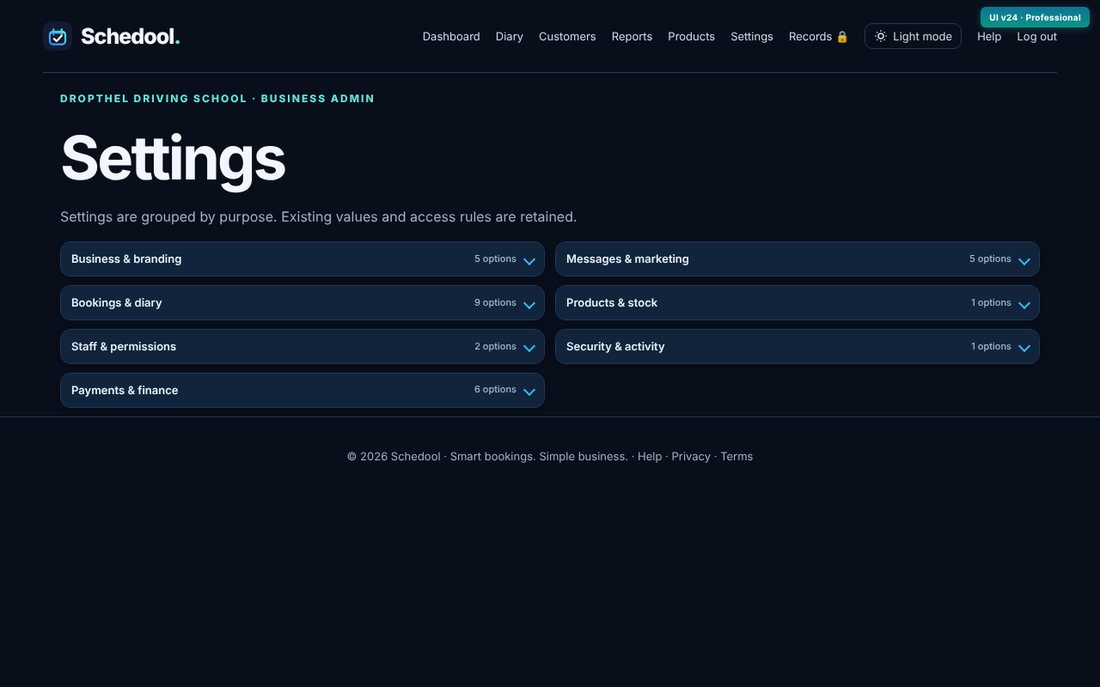
Step by step
- Go to Settings and open Business Profile.
- Change your business name, industry and type.
- Under Business logo, choose a PNG, JPEG or WebP image (up to 2 MB) and upload it.
- Your logo appears on your booking page, emails and website widget.