
Where:Settings→Team→Add team member
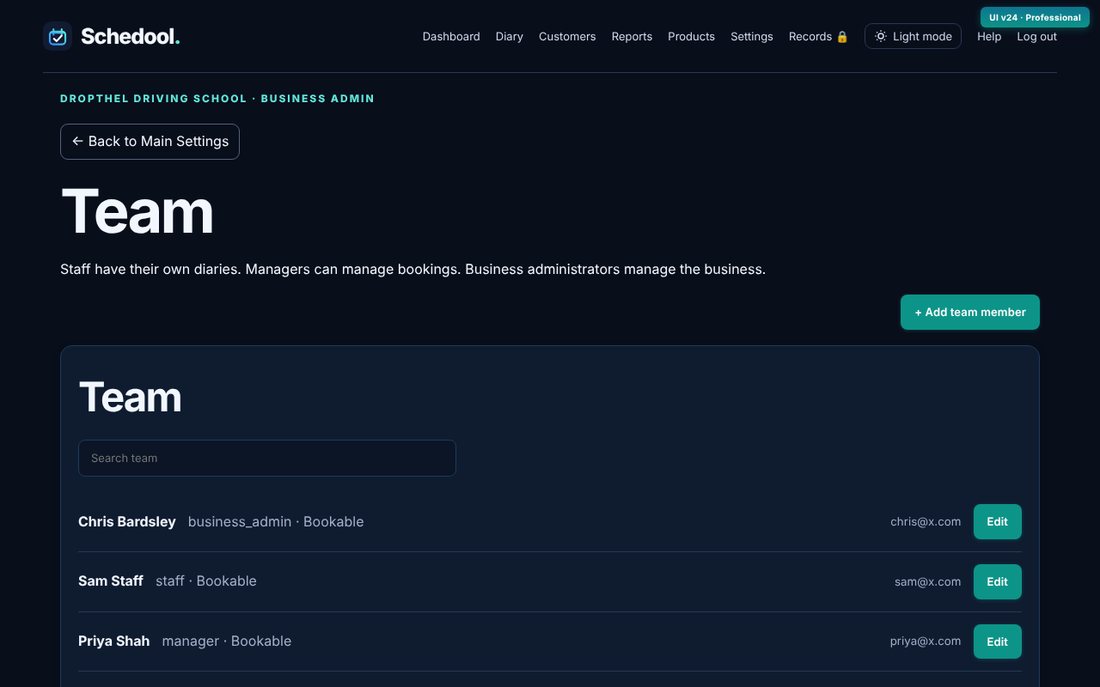
Step by step
- Go to Settings → Team.
- Click Add member, enter their name and email, and choose a role (Staff, Manager or Admin).
- Tick Bookable if customers can book appointments with them.
- Save. Set their own hours in Settings → Working Hours if they’re different from the business.
💡 Plans include: Solo 1 bookable person, Team up to 5, Business up to 10.
💡 Staff see their own diary; managers can see and change everyone’s.