
Where:Settings→Staff & Permissions
Step by step
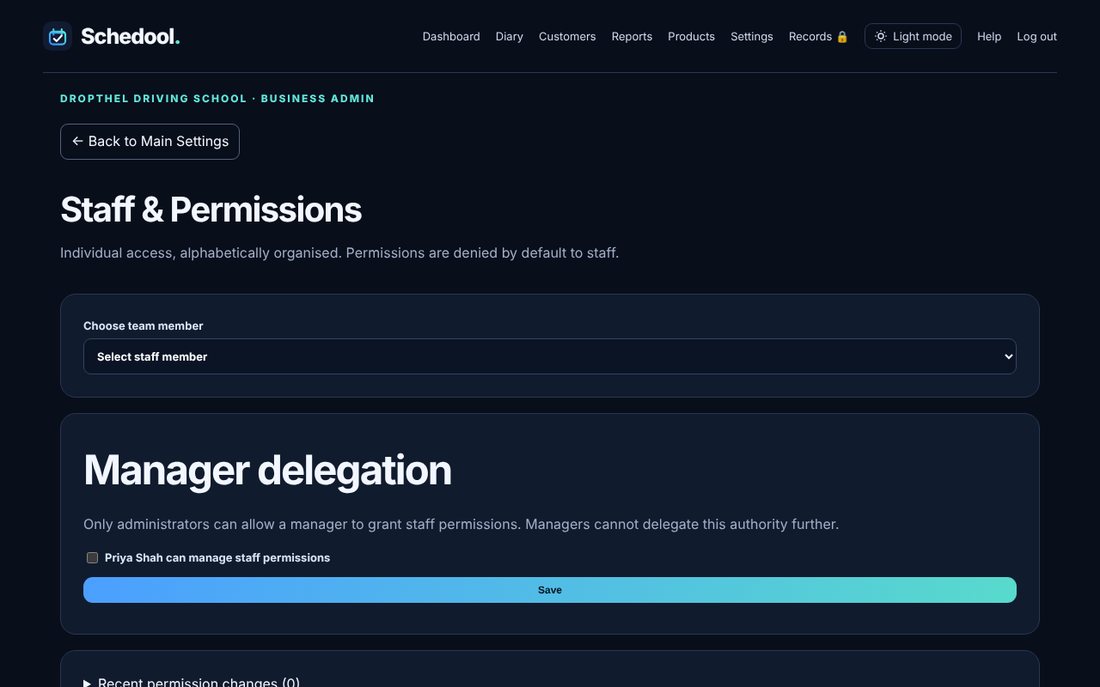
- Go to Settings → Staff & Permissions.
- Choose a team member.
- Apply a quick preset, or tick and untick individual permissions.
- Save. Changes are recorded in Activity History.
Use Settings → Staff & Permissions to choose what each person can see and do, or apply a quick preset.