
Where:Settings→International Settings
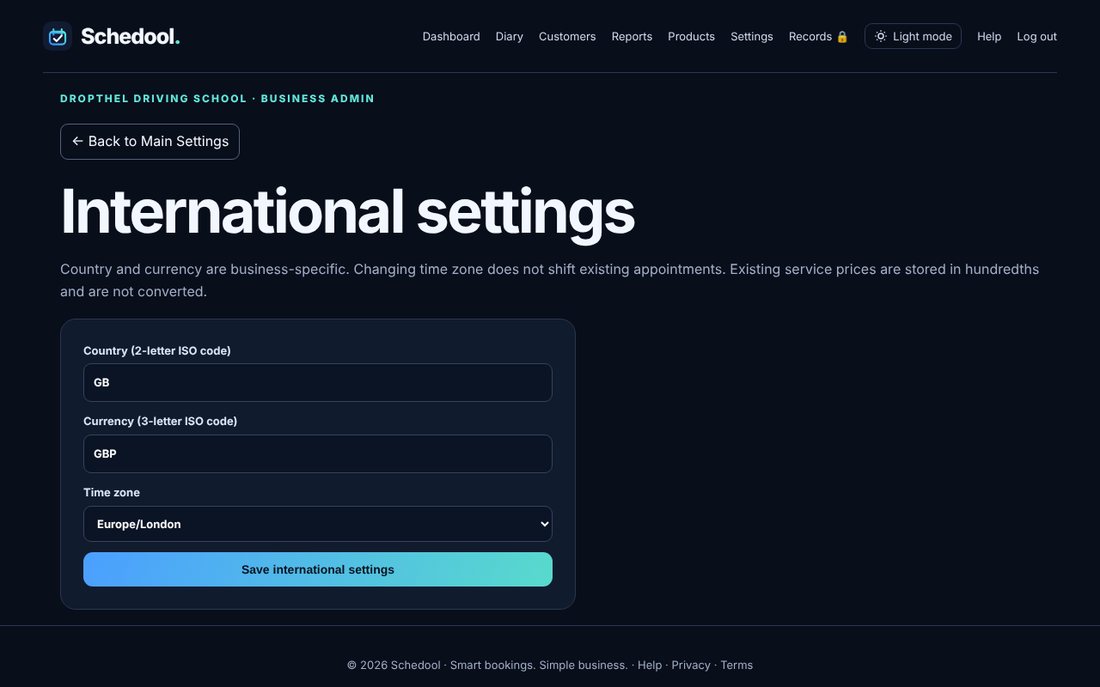
Step by step
- Go to Settings → International Settings.
- Choose your time zone and currency.
- Click Save international settings.
💡 If appointment times look an hour out, the time zone is usually wrong.
Set your time zone and currency in Settings → International Settings.
💡 If appointment times look an hour out, the time zone is usually wrong.