
Where:Settings→Services
Step by step
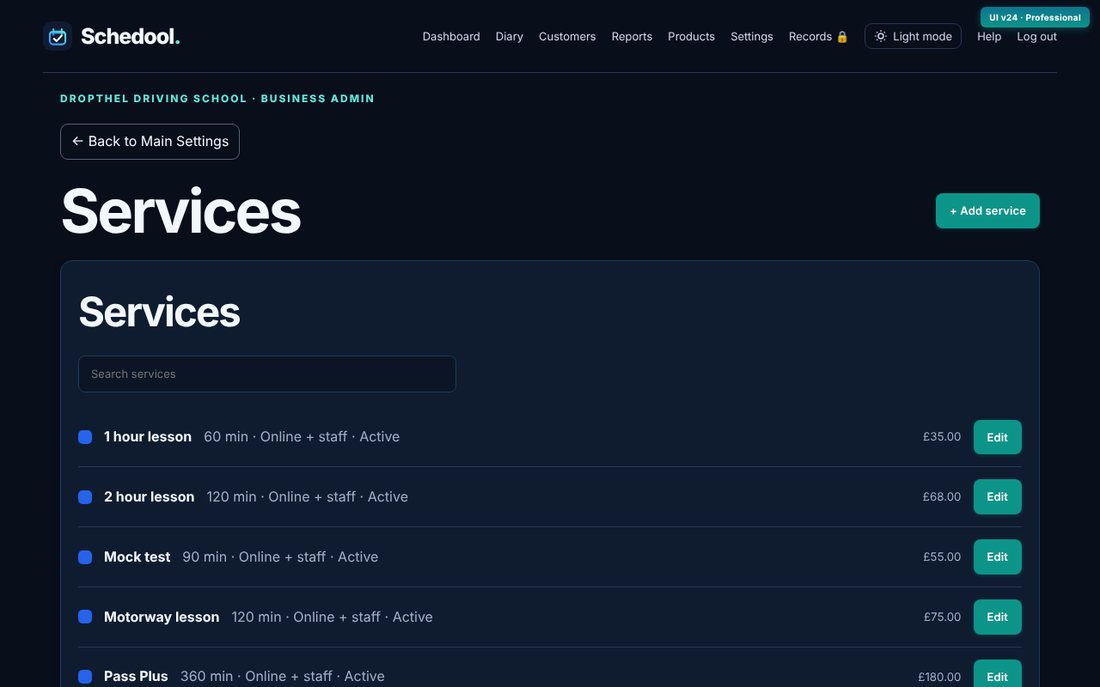
- Go to Settings → Services.
- Fill in Create a service: name, length in minutes, price and any buffer time.
- Under “Who can book this service?” choose online and in-house (customers can book it online) or in-house only.
- Click Add service.
- Click a service to edit it, set its diary colour, or remove it.
💡 Only services set to online and in-house appear on your booking page and website widget.
💡 Changing a price doesn’t change appointments already booked.