
Where:Settings→Waiting List
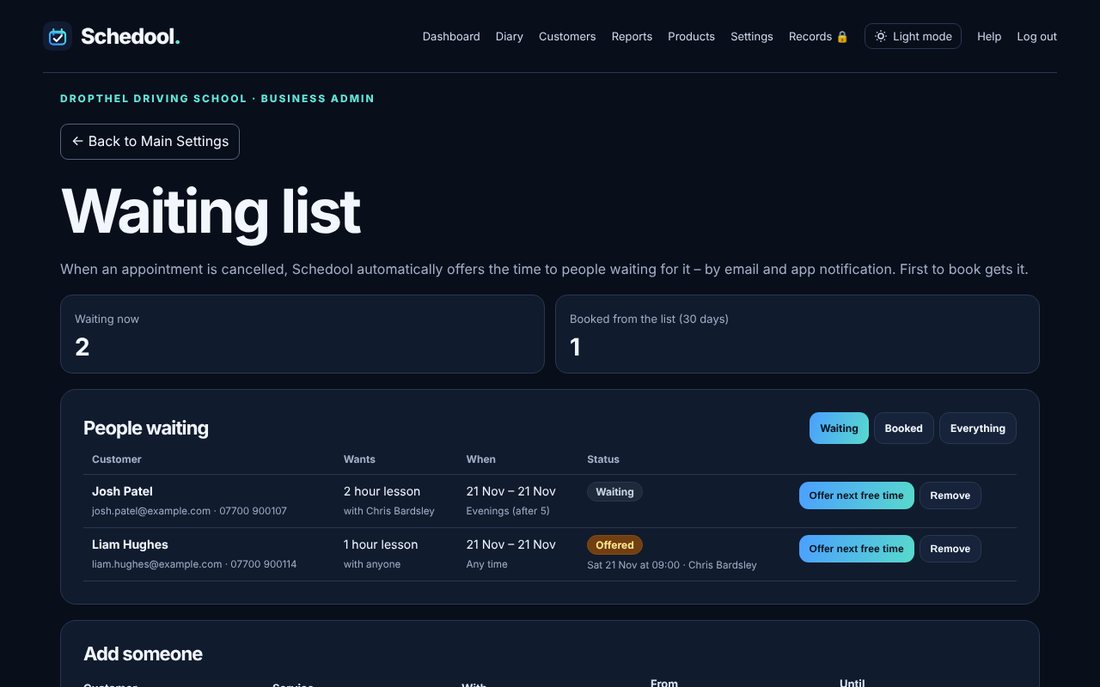
Step by step
- Open Settings → Waiting List.
- Customers can add themselves: a “Join the waiting list” link appears on your booking page and in the app when they can’t find a time. You can also add someone yourself under Add someone.
- Each person chooses a service, who with (or anyone), the dates that suit and the time of day.
- When an appointment is cancelled, Schedool tells the first people whose wishes fit that time. Choose how many to tell at once under How many people to tell at once.
- To offer someone a time straight away, tap Offer next free time next to their name.
- When they book, they’re taken off the list automatically.
💡 Times starting very soon aren’t offered – set the cut-off under Don’t offer times starting within (hours).
💡 Untick Offer cancelled times automatically if you’d rather offer times yourself.