
Where:Settings→Get the App
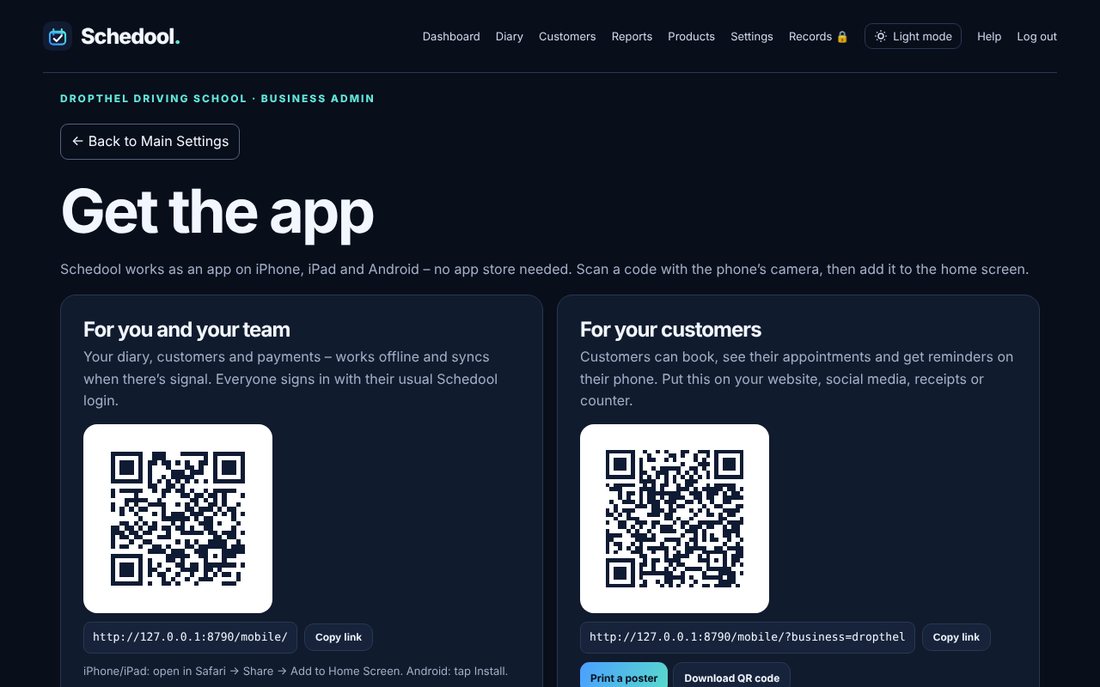
Step by step
- Open Settings and choose Get the App.
- Your team scans “For you and your team” with their phone camera, then signs in with their usual login.
- Customers scan “For your customers”. It opens your own booking app, which they can add to their home screen.
- Tap Print a poster for a ready-made A4 poster, or Download QR code to use the code anywhere else.
- Copy link gives you the web address if you’d rather send it by text or email.
💡 Put the customer QR code on receipts, appointment cards and your shop window.