
Where:Reports
Step by step
- Click Reports in the top menu.
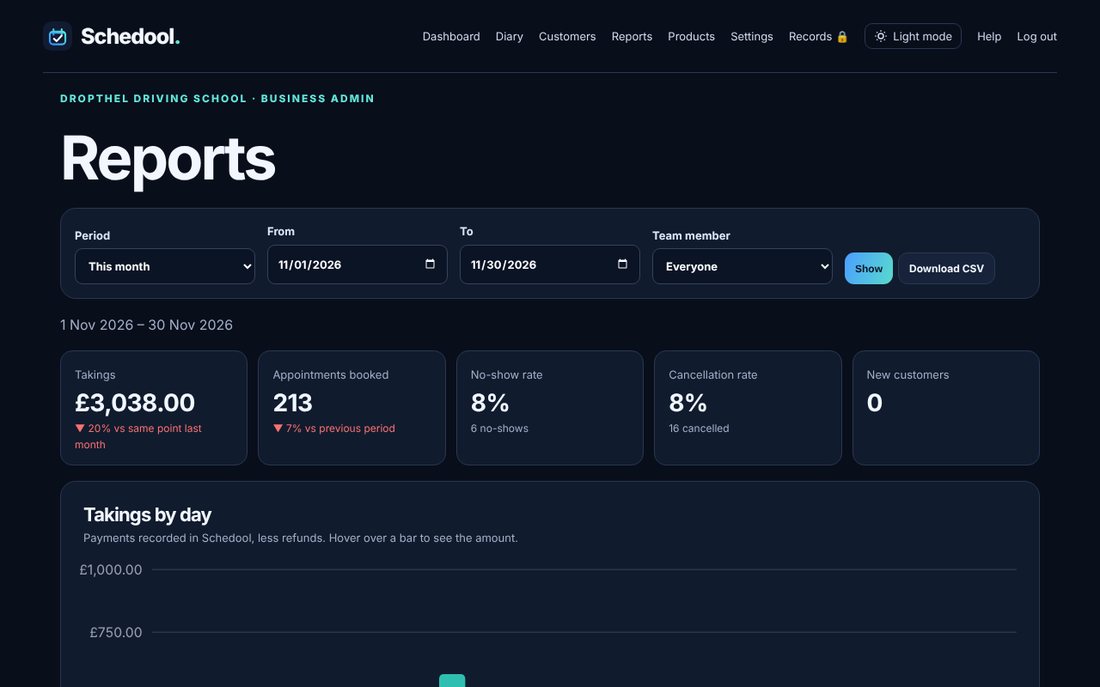
- Choose a period (this week, this month, last 3 months and so on) or pick your own dates, and a team member if you like, then tap Show.
- The tiles compare with the previous period. While a period is still running, takings are compared with the same point last time.
- Scroll down for takings by day, week or month, a busiest-times heat map, top customers, services and team.
- Tap Download CSV to open the figures in Excel or Google Sheets.
💡 Takings are payments recorded in Schedool, less refunds. Discounts aren’t counted as takings.