
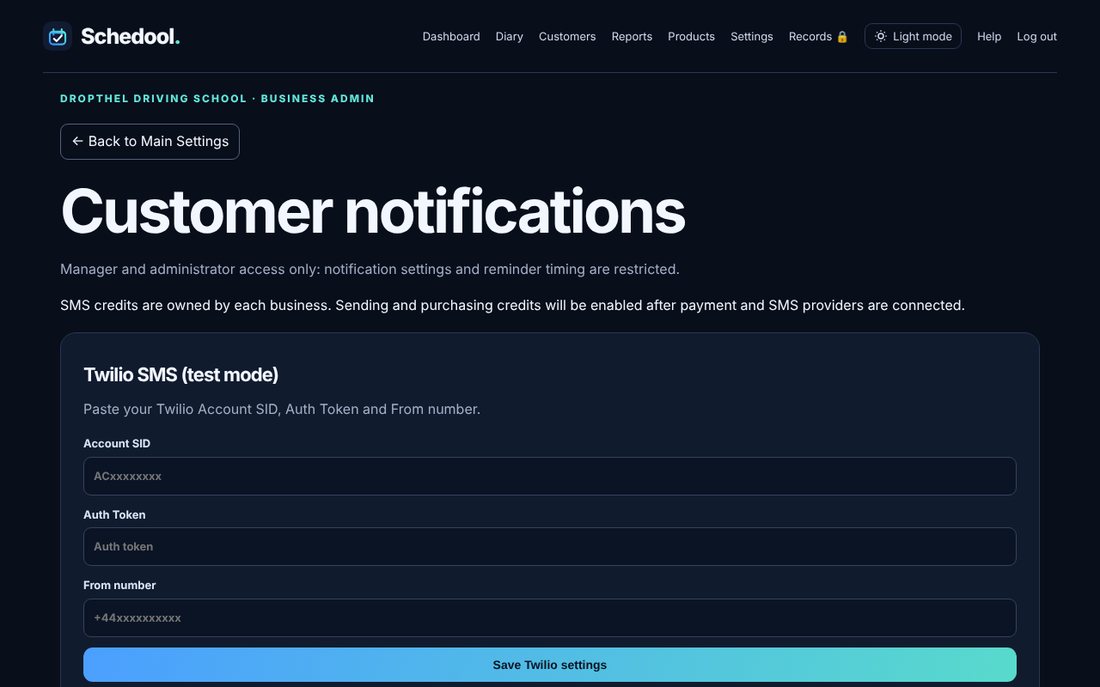
Where:Settings→Notifications & Reminders
Step by step
- Go to Settings → Notifications & Reminders.
- Choose which emails to send and when reminders go out.
- See what’s been sent in Notification history.
- For texts as well as emails, go to Settings → Text Messages.
💡 Change the wording in Settings → Message Templates.