
Where:Settings→Marketing
Step by step
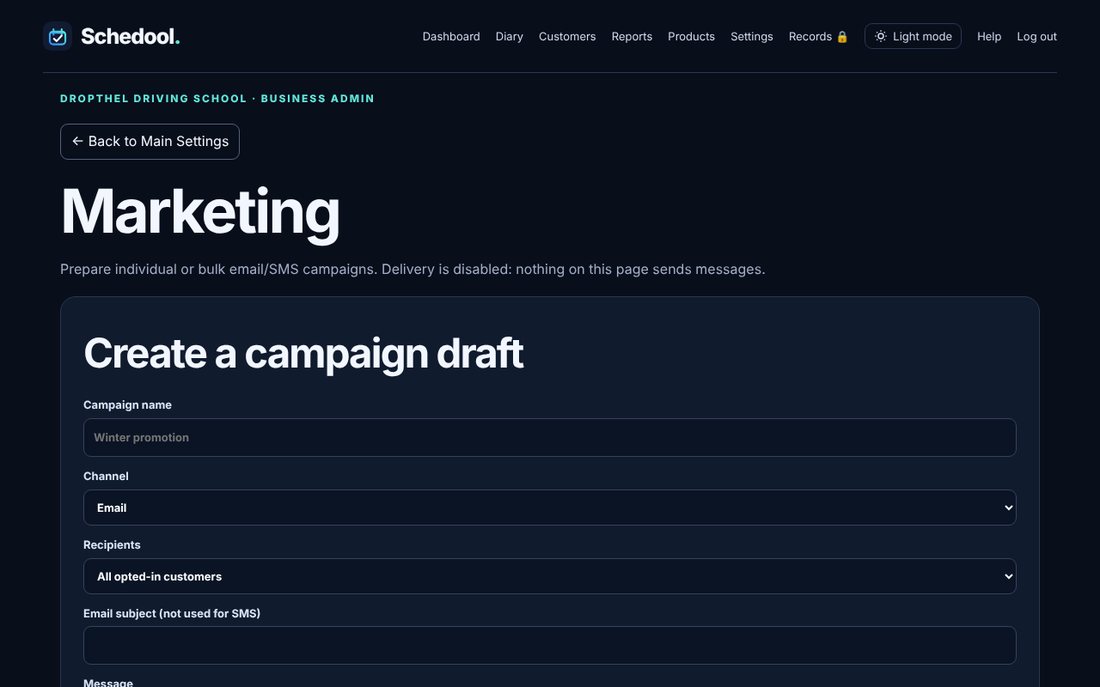
- Go to Settings → Marketing.
- Create a campaign draft: choose the channel and recipients (for example “not booked in the last 60 days”).
- Write the message and save the draft.
- Check the recipient preview and delivery status.