
Where:Settings→Email Configuration
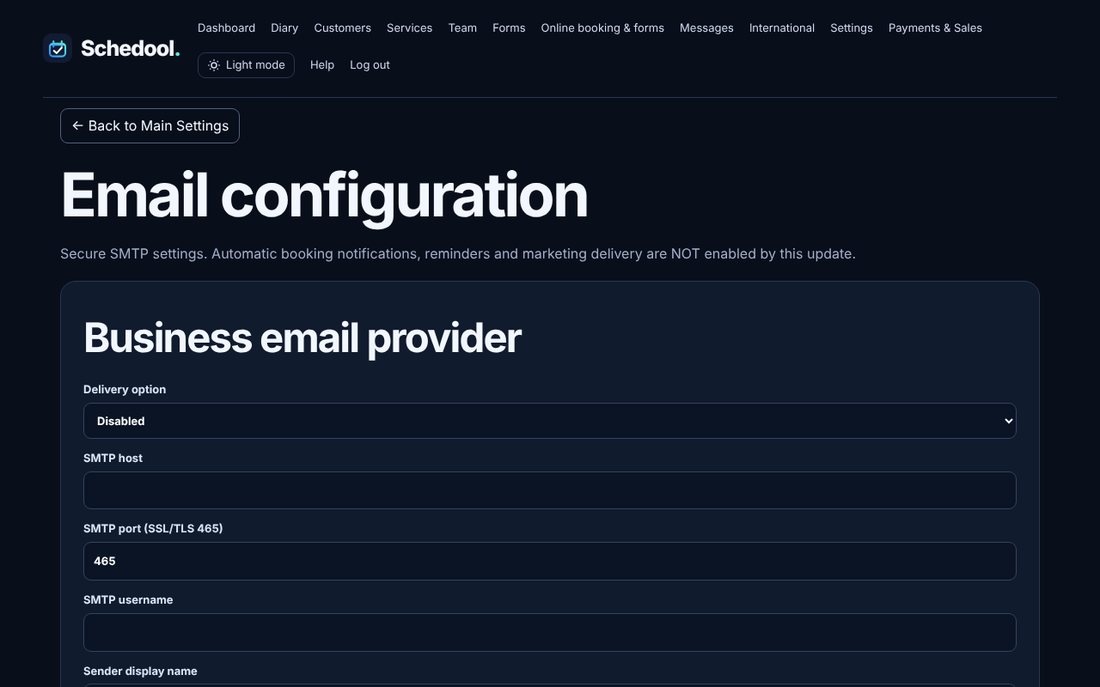
Step by step
- Go to Settings → Email Configuration.
- Choose “Use own verified SMTP mailbox”.
- Enter your mail server (for example mail.yourdomain.co.uk), port 465, your full email address as the username, and its password.
- Save, then send a test email to yourself.
💡 Error 535 means the email or password is wrong – check you can sign in to webmail with them.
💡 If you don’t set one up, Schedool’s shared mailbox is used.