
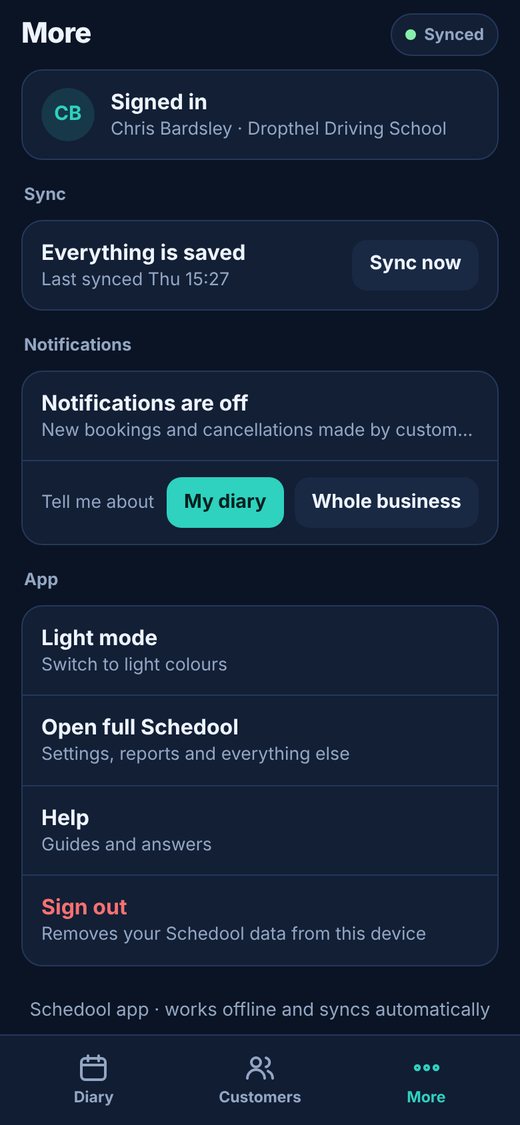
Where:Schedool app→More→Notifications
Step by step
- Open the Schedool app and tap More.
- Under Notifications, tap Turn on (managers choose My diary or Whole business).
- Allow notifications when your phone asks.
- To check it works, go to Settings → Get the App on the website and tap Send a test to my devices.
- To stop them, tap Turn off – or sign out of the app.
💡 iPhone and iPad: add Schedool to your home screen first and open it from there – Apple only allows notifications for apps on the home screen.
💡 If you blocked notifications by mistake, allow them for Schedool in your phone’s settings.