
Where:schedool.net/mobile
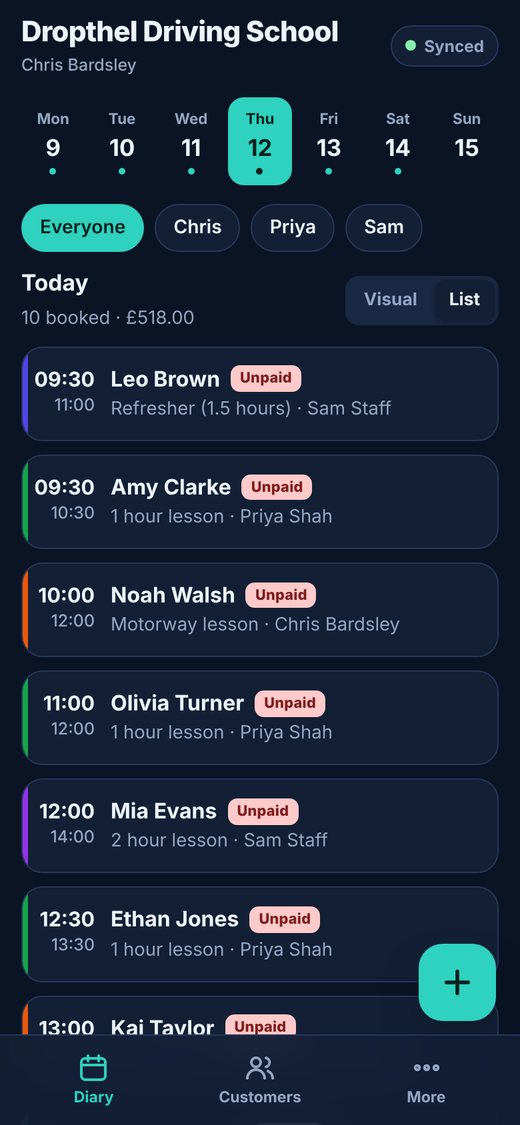
Step by step
- On your phone or iPad, open schedool.net/mobile in the browser.
- iPhone or iPad: open it in Safari, tap the Share button, then “Add to Home Screen”.
- Android: tap Install when the banner appears, or open the browser menu and choose “Install app” (or “Add to Home screen”).
- Open Schedool from your home screen and sign in with your usual email and password.
💡 You only need to sign in once – the app keeps you signed in on that device.
💡 The More tab in the app has an Install button if you missed the banner.