
Where:Schedool app
Step by step
- Open the app once while online so it can download your diary and customers.
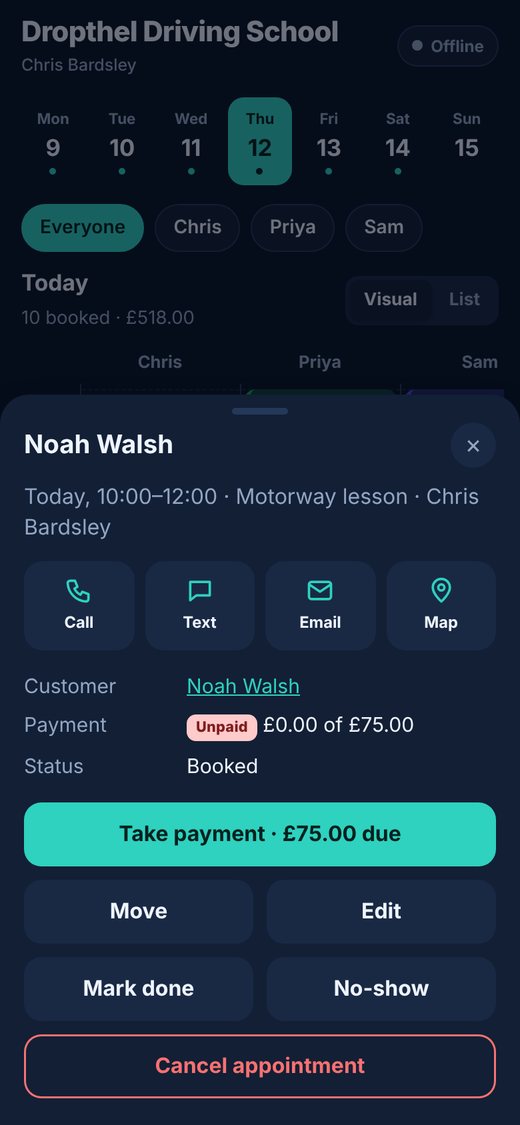
- With no signal you can still view the diary, add or move appointments, add breaks, mark appointments done or cancelled, record cash payments and add customers.
- The pill at the top shows “Offline · 2 to send” so you know changes are waiting.
- When you’re back online it changes to “Synced” on its own – you don’t need to do anything.
💡 Taking a card payment with Square needs a connection.
💡 Free times shown offline are based on the last sync, so a customer could book the same slot online meanwhile – the app warns you if that happens.