
Where:Booking page→Join the waiting list
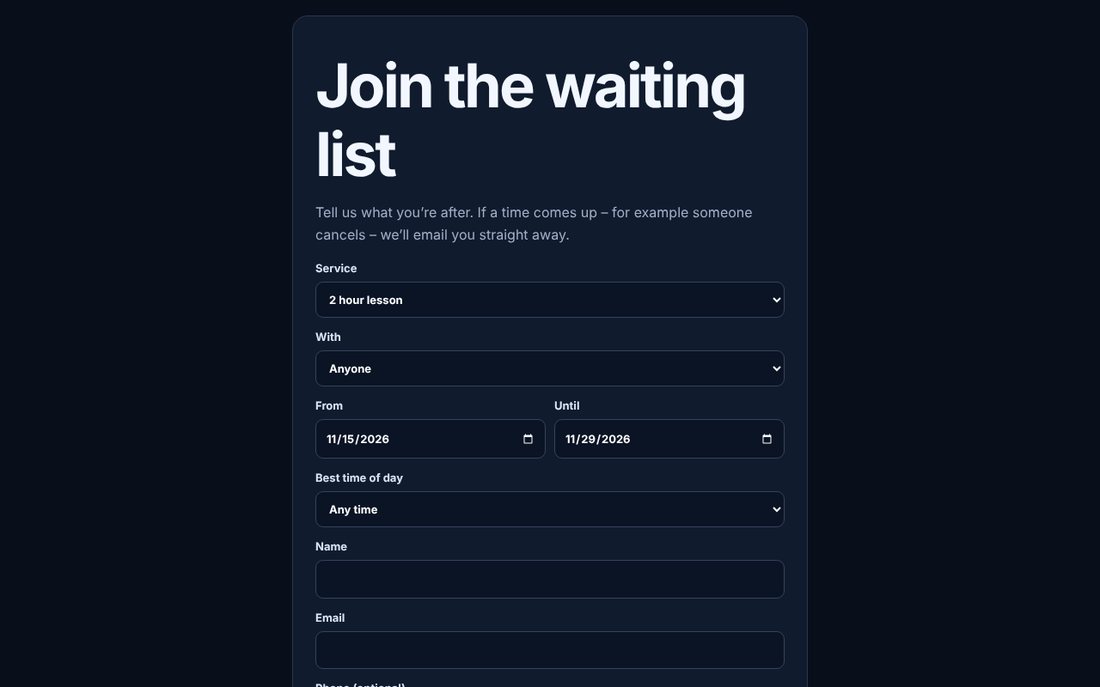
Step by step
- On the business’s booking page (or in their app), pick the service and a date.
- Under the times, choose Join the waiting list.
- Choose who with, the dates that suit and the time of day, then confirm.
- When a time comes up you’ll get an email (and a notification if you use the app). Tap Book this time – it’s first come, first served.
- In the app you can see your waiting lists on the Bookings tab and tap Leave if you no longer need one.
💡 If the time has gone by the time you tap, you stay on the waiting list.