
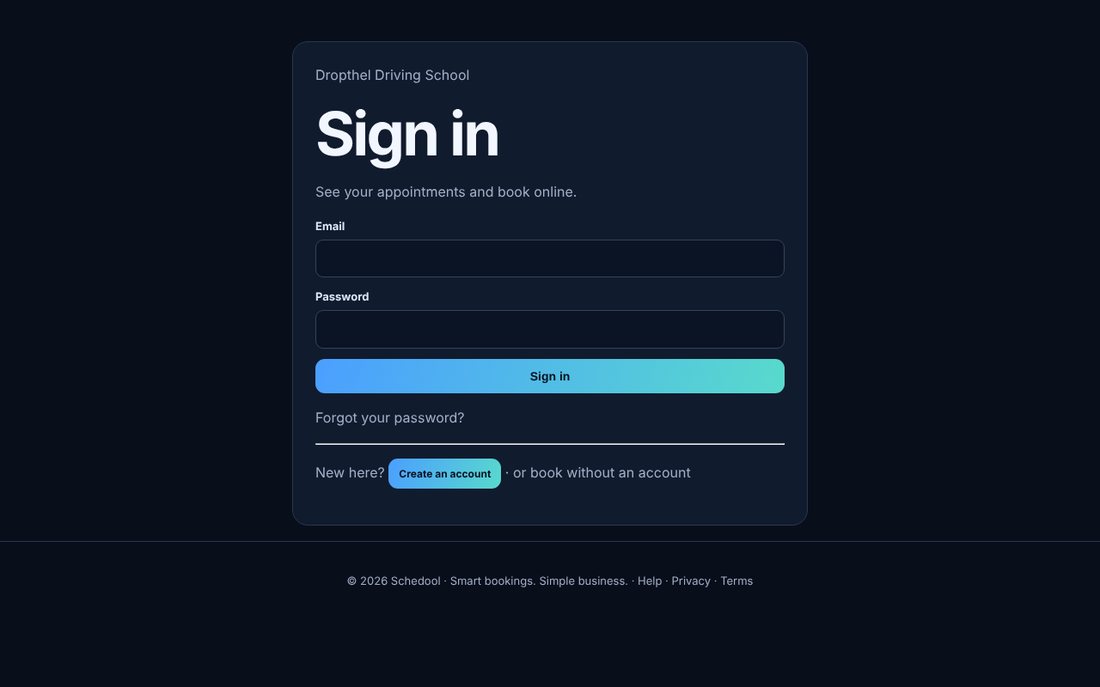
Where:Booking page→Sign in to see your appointments
Step by step
- On the booking page, click “Sign in to see your appointments”.
- Sign in, or create an account with your email.
- See your upcoming and past appointments and whether each is paid.
- Forgotten your password? Use Forgot password on the sign-in page.