
Where:Settings→Consultation Forms
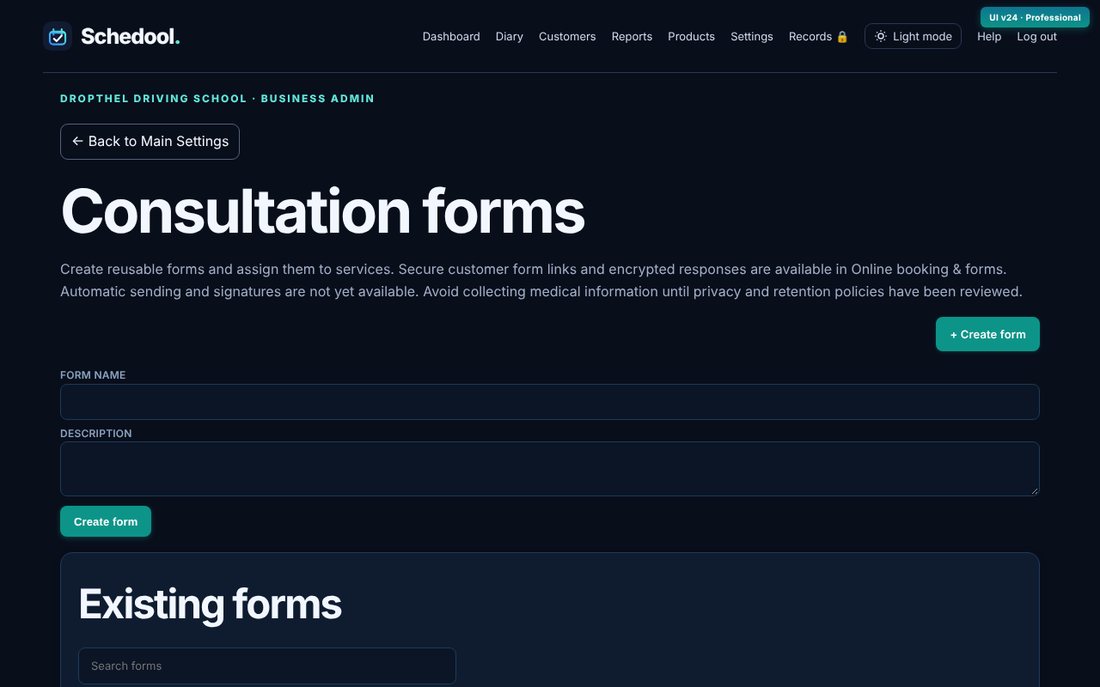
Step by step
- Go to Settings → Consultation Forms and create a form.
- Add questions and choose the answer type for each.
- Under Service assignments, attach the form to services.
- To send one, open the customer, choose the form template and click Generate form link.
- See answers in Online booking & forms → Form submissions.
💡 Answers are stored encrypted.