
Where:Settings→Website Booking Widget→Just a link
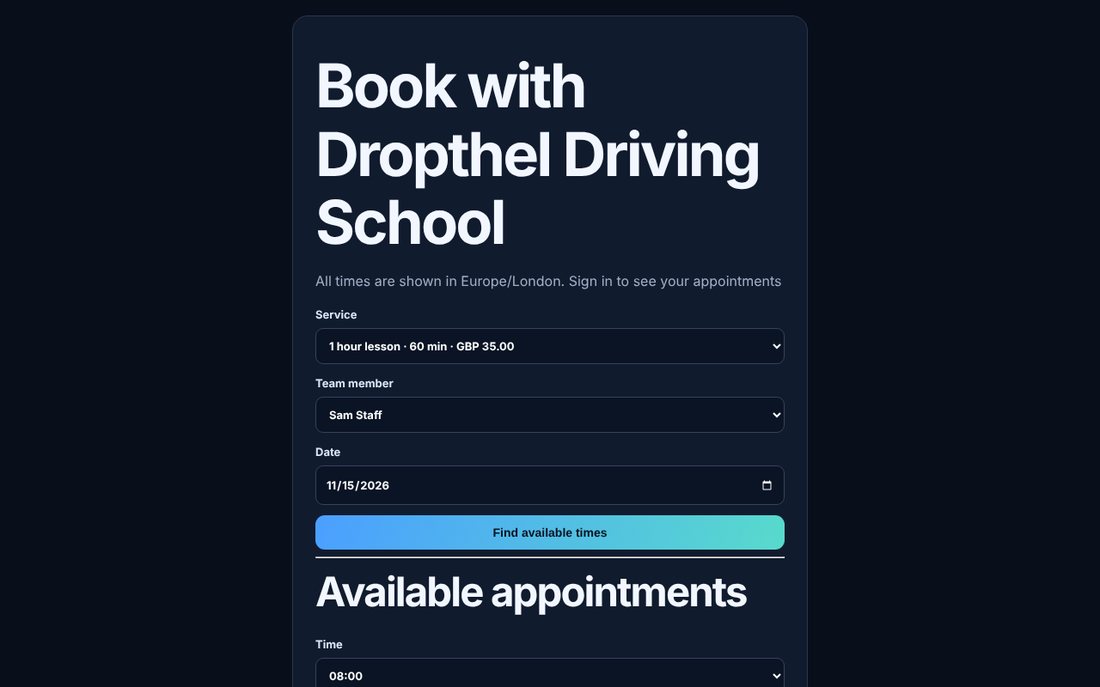
Step by step
- Go to Settings → Website Booking Widget and choose Just a link (or open Online booking & forms).
- Copy the link and share it on Facebook, Instagram, Google, your email signature or by text.
- Customers choose a service, team member and date, pick a time and enter their details.
- The booking appears in your diary straight away.
💡 Only services set to online and in-house can be booked online.
💡 Times follow your working hours, breaks and existing bookings.
💡 If the time a customer wants has just gone, the page shows the nearest free times that day as buttons. If a day is full, it shows the next free times on the following days.