
Where:Diary→Appointment→Status
Step by step
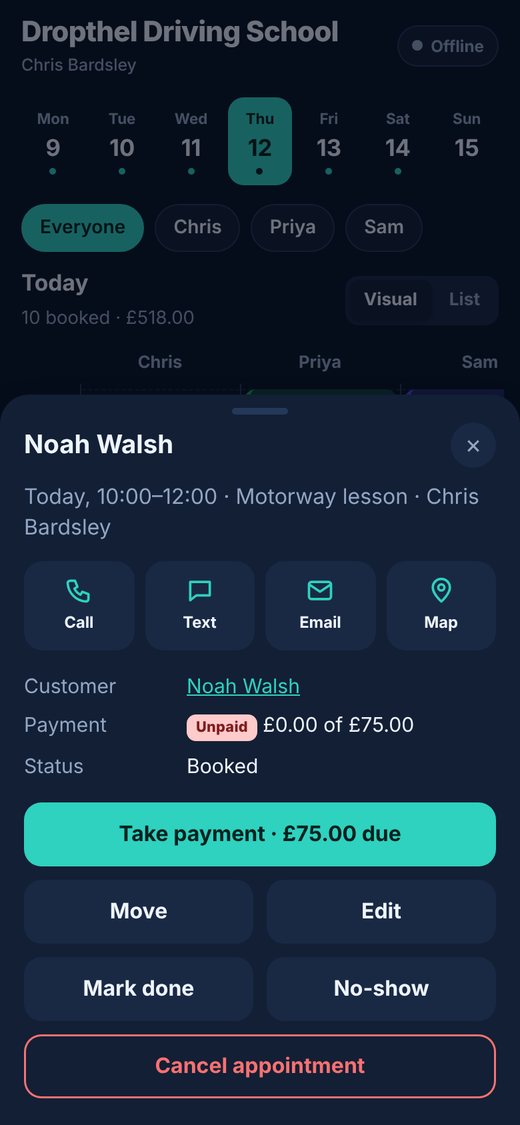
- Open the appointment in the diary or the app.
- Tap the red No-show button at the top (or No-show in the menu underneath).
- If it’s already checked in, choose Mark as no-show in the menu.
- Changed your mind? Set it back to Completed, or tap They came after all in the app.
💡 A no-show keeps the time as used, so the slot isn’t offered to the waiting list.