
Where:Dashboard
Step by step
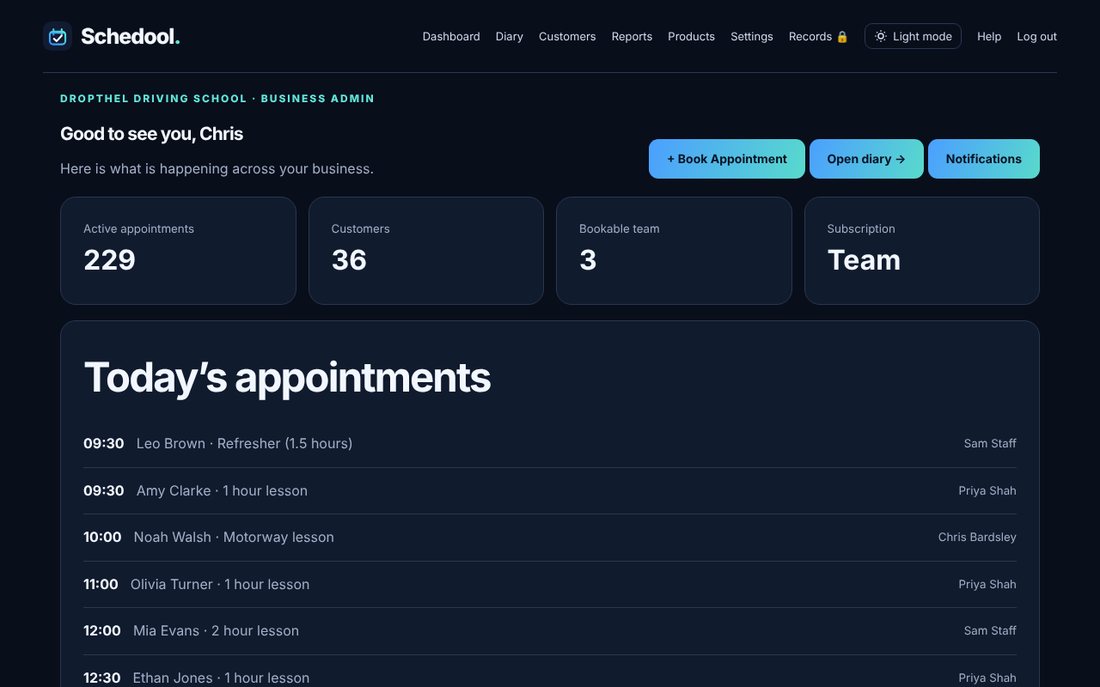
- Click Dashboard in the menu.
- See today’s appointments at a glance.
- Use the menu to go to the Diary, Customers, Products or Settings.
The dashboard shows today’s appointments and quick links to the things you use most.