
Where:Products
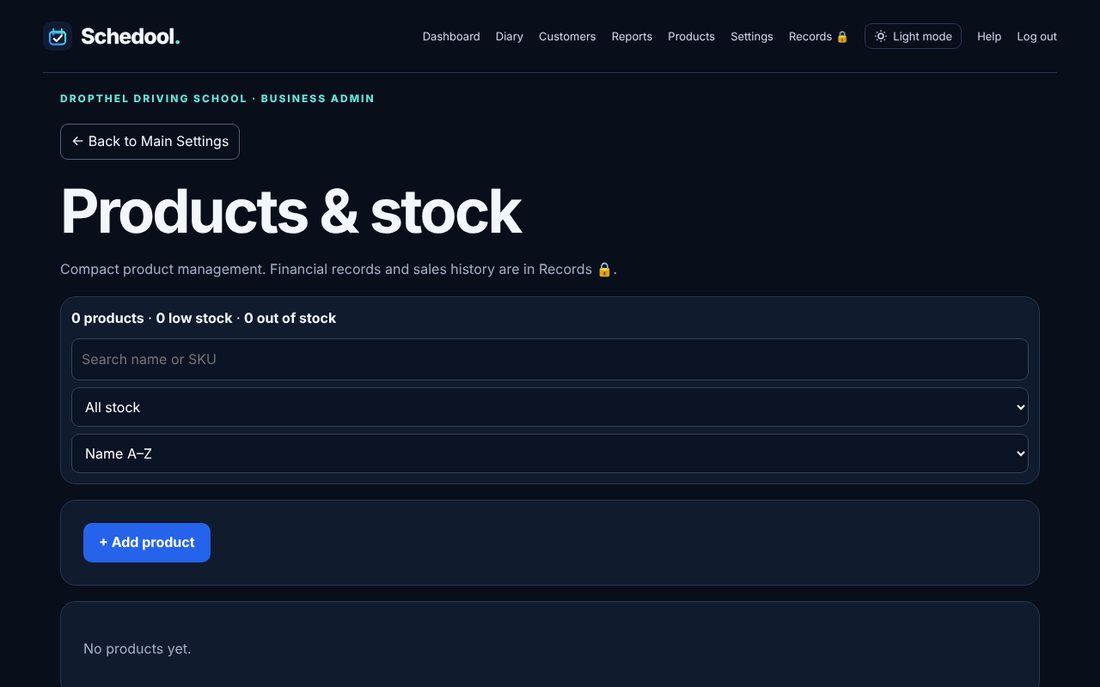
Step by step
- Click Products in the menu (or Settings → Products & Stock).
- Add a product with its price and stock.
- Use Update stock when deliveries arrive.
- Use Record sale, optionally choosing the customer.
Add products you sell, keep stock up to date and record sales in Products.