
Where:Settings→Prepaid Passes
Step by step
- Go to Settings → Prepaid Passes.
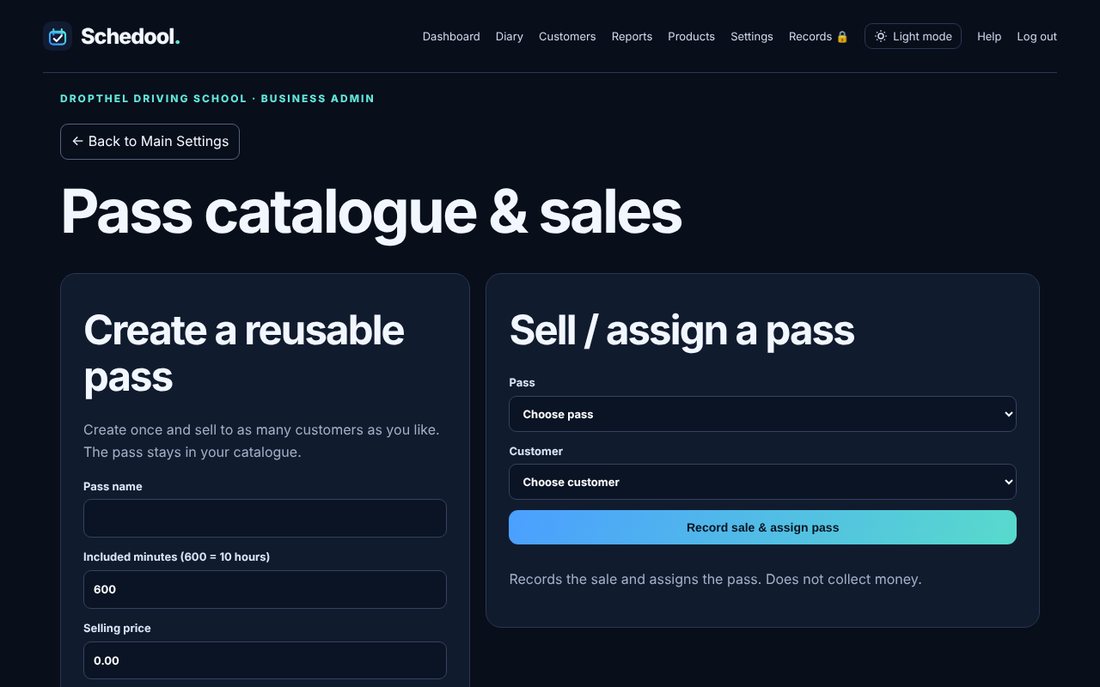
- Create a reusable pass: name, minutes or hours, price and expiry.
- Under Sell / assign a pass, choose the pass and customer and click Record sale & assign pass.
- When booking, choose to pay with the pass. The balance goes down by itself.
💡 Change how passes are used in Settings → Pass Settings.