
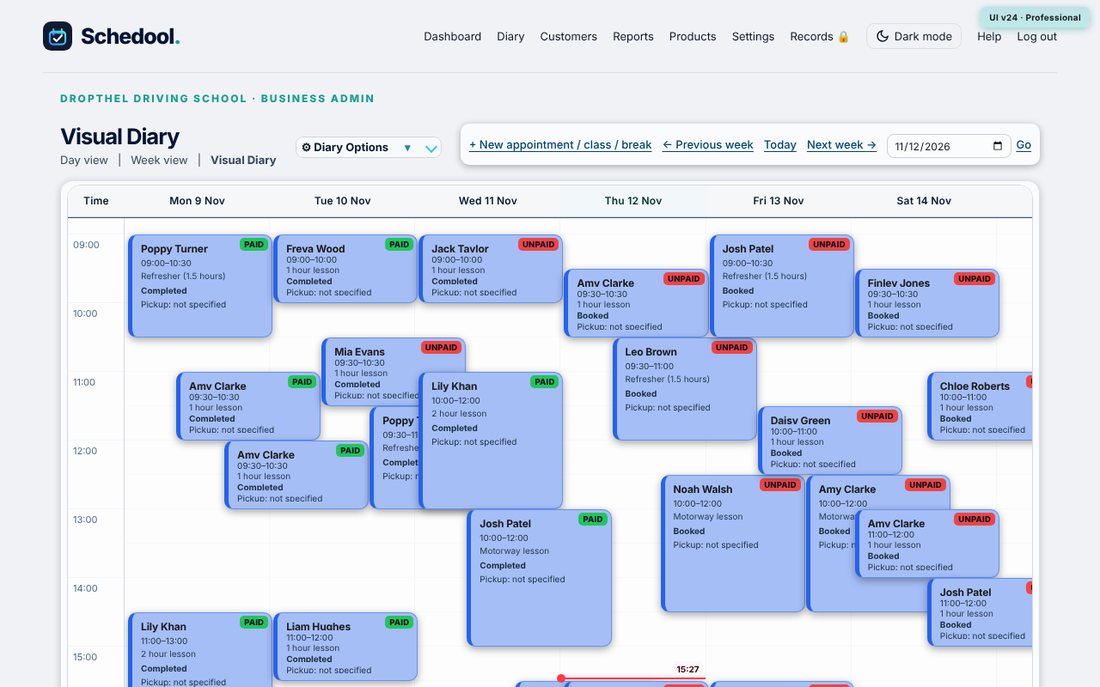
Where:Top menu→Light mode / Dark mode
Step by step
- On the computer: click “Light mode” in the top menu. Click “Dark mode” to switch back.
- In the app: open More and tap “Light mode” or “Dark mode”.
- Your choice is remembered on that device.
Schedool starts in dark mode. Click “Light mode” in the top menu of any back-office page to switch – in the app it’s under More.