
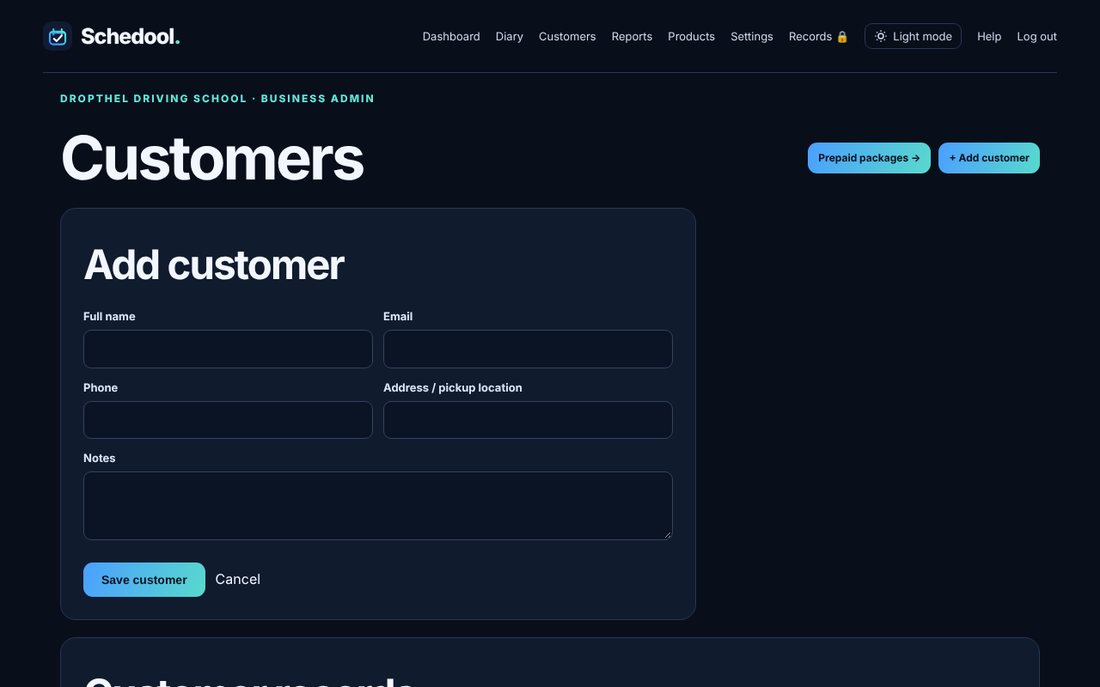
Where:Customers→Add customer
Step by step
- Click Customers in the menu.
- Fill in their name, email, phone, address and any notes.
- Click Save customer.
- To change details, click the customer, edit and click Save changes.
💡 Saved pickup locations appear when you book them in.
💡 Customers who book online are added automatically.